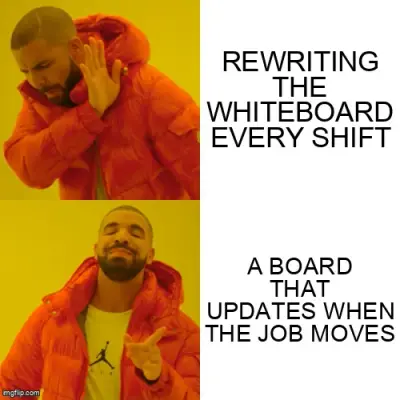
Why workshop planning boards stop working in busy shops
A planning board works until the shop gets busy. Here is where whiteboards, spreadsheets, and manual boards break down on the workshop floor.
A planning board is supposed to tell everyone what is running, what is waiting, and what is late. On a quiet week, it does that fine. On a busy week, the board becomes a guess that everyone argues about during smoko.
That is not a people problem. It is what happens when the shop outgrows a manual planning board and nobody wants to admit it yet.
What a workshop planning board actually does
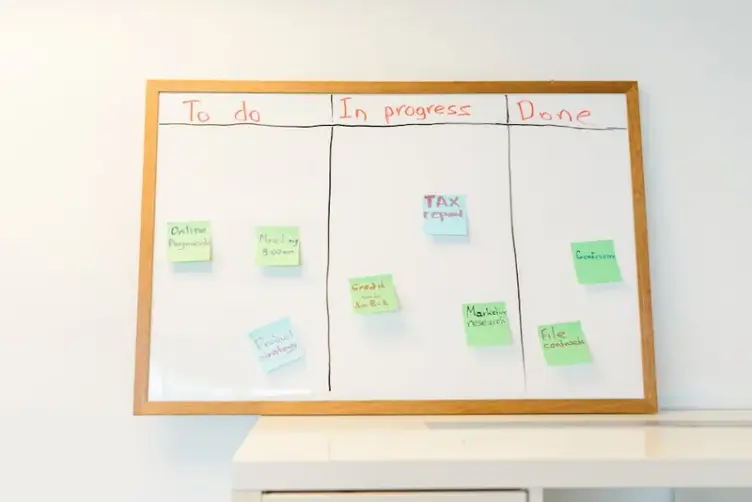
At its core, a workshop planning board is just shared visibility. Jobs, machines, priorities, due dates, bottlenecks. Everyone looks at the same thing instead of asking the same three questions twelve times a day.
That is why whiteboards became popular on the workshop floor in the first place. No login. No training video. Walk past the board and you know where things stand.
A good planning board should:
- show what is running now
- show what is up next
- show what is blocked
- update fast enough that people trust it
When it works, supervisors spend less time doing laps and more time fixing actual problems. Workers stop hunting for answers. The board does the boring coordination work.
Where whiteboards still work
You do not need software for every planning problem. A physical whiteboard still makes sense when:
- the team is small enough that one person can keep the board honest
- job volume is low and changes are slow
- everyone works the same shift
- the board sits where people actually walk past it
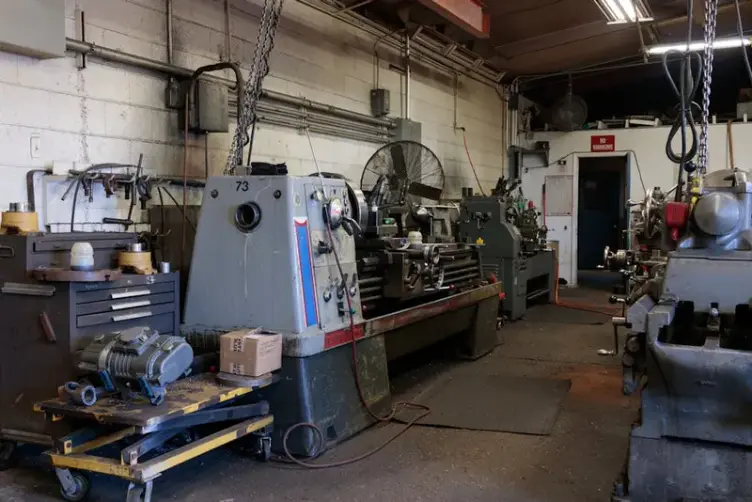
For a small fab shop with a handful of regular jobs, a whiteboard is hard to beat. Cheap, visible, hard to ignore. If your whole operation fits on one wall and updates once or twice a day, righto, leave it alone.
Where planning boards start breaking
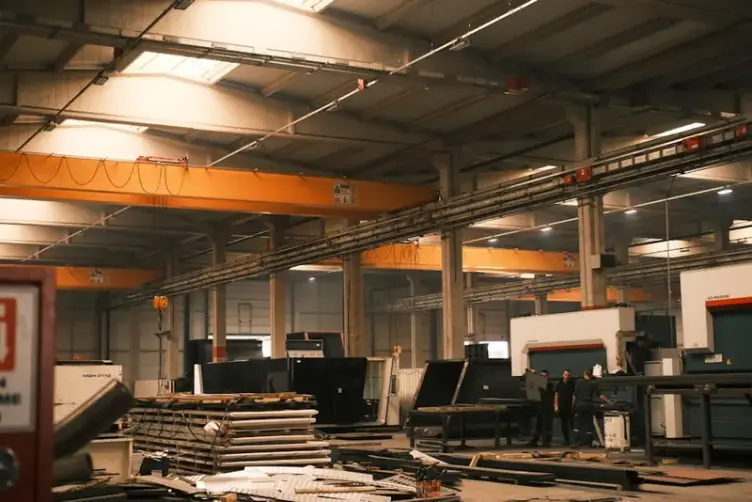
The cracks show up when volume and shift complexity increase. That is usually when the board stops being a planning tool and becomes a decoration with outdated marker on it.
Common failure points:
| Problem | What it looks like on the floor |
|---|---|
| Stale information | Jobs marked complete that finished yesterday |
| Shift handover gaps | Night shift working off a board day shift never updated |
| Bottleneck blindness | Five jobs queued at the same machine, board shows two |
| Priority arguments | Everyone has a different version of "urgent" |
| Search time | Supervisors walking the floor looking for status instead of fixing delays |
We had a giant Excel file acting as the planning board at one shop. Someone would hit the wrong key while searching and replace a cell with the letter F. Supervisors would get called over to repair the spreadsheet like it was a broken machine. That is not planning. That is spreadsheet first aid.
The board did not fail because people were lazy. It failed because keeping it accurate became a second job nobody had time for.

The spreadsheet planning board problem
Excel is the gateway drug to a digital planning board. Everyone knows it. It is flexible. You can colour cells, add notes, filter jobs, build a rough production planning view in an afternoon.
Then the shop grows.
Spreadsheets break down because:
- one wrong edit can corrupt a whole row
- there is no single source of truth on the floor
- version control becomes "which file did Dave save"
- workers cannot see updates unless someone prints or emails them
- supervisors become the human API between the spreadsheet and the shop
Spreadsheets work. I have said that before and I mean it. They stop making sense when the operation gets large enough that one person cannot babysit the file all day.
If your planner spends more time fixing the sheet than planning the work, the tool has flipped from helper to burden.
When a digital planning board makes sense
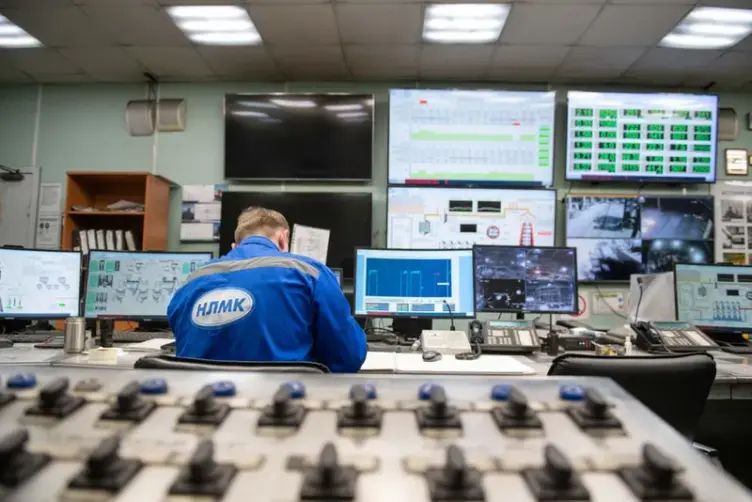
A digital planning board is worth considering when manual updates cannot keep pace with how fast jobs move. That usually means multiple shifts, multiple departments, or enough job volume that the whiteboard becomes fiction by lunchtime. The Lean Enterprise Institute defines visual management as placing all tools, parts, and production indicators in plain view so status is understood at a glance -- which works until the environment moves faster than a human can maintain the board.
Software helps when you need:
- live status without someone rewriting the board
- visibility across machines and departments at once
- a record of what changed and when
- less walking, less asking, less "where is that job at"
That does not mean you need a full ERP rollout. Plenty of shops drown in systems built for reporting upstairs, not for use with dirty hands on the floor. The useful version is simpler: a planning board that updates as work happens, not one that needs a meeting to stay accurate.
Stagetrac exists in that gap. Automatic job tracking for the workshop floor, not another spreadsheet with a login screen. If you want to see how much time manual planning is actually costing your shop, the free workshop audit gives you a rough number in a few minutes.

What to look for in a workshop planning board
Whether you stay on a whiteboard, move to a screen, or try software, the test is the same. Ask the people on the floor, not the people in the meeting room.
A planning board is good if:
- a new worker can read it in under a minute
- updates take seconds, not a dedicated admin block
- supervisors trust it enough to stop doing status laps
- workers check it before asking someone
- it survives a busy week without becoming a joke
A planning board is bad if:
- only one person knows how to maintain it
- it needs a training session to interpret
- the data is wrong often enough that people stop looking
- fixing the board takes longer than fixing the job
If adoption is poor, the problem is usually friction, not intelligence. Workshop people are practical. They will use what saves time. They will ignore what creates more paperwork.
You might not need software for this
If your shop is small, stable, and on one shift, a whiteboard may still be the right answer. Do not buy software because a LinkedIn post told you to become "digitally transformed." That phrase alone should trigger a smoko break.
Software earns its place when manual planning costs you hours every week in searching, rewriting, and shift arguments. If that cost is real and recurring, a digital board is worth a look. If not, fix the whiteboard discipline first.
The Australian Industry Group has documented that Australian manufacturing productivity has declined over the past decade, with coordination overhead being a quiet but persistent contributor. Most of it is not dramatic. It is quiet -- missing information, wrong assumptions, handovers that did not happen.
Start with honesty about where your current board fails. Night shift finding out at 1AM that parts never got brought in. Day shift blaming night shift. The board showing green when the floor knows the job is stuck. Those are operational signals, not software sales opportunities.
Practical takeaway
A planning board fails when updating it becomes harder than doing the work itself. Whiteboards, spreadsheets, and software all hit that wall eventually. The difference is how much manual effort it takes to keep the board true once the shop gets busy.
If your board is still accurate on Friday afternoon after a rough week, you probably do not need to change anything. If supervisors are doing laps and the whiteboard has not matched reality since Tuesday, it is time to look at something that updates itself.
That is usually where the problems start.
Frequently asked questions
What is a workshop planning board?▼
Are whiteboard planning boards still useful?▼
Why do Excel planning boards fail in workshops?▼
When should a workshop switch to a digital planning board?▼
What is the difference between a planning board and production scheduling software?▼
How do I know if my planning board is working?▼
Do small fabrication shops need planning board software?▼

Gordon Hogan
Founder, Stagetrac
20+ years on the workshop floor. Built Stagetrac after watching too many whiteboards, spreadsheets, and planning boards fail under real production pressure.