Machine shop software for CNC shops, not garage bays
Machine shop software is not the same as a garage system or a full ERP. Here is what CNC and jobbing shops need from software on the shop floor.
Search for machine shop software and you get quoted a full ERP rollout with quoting, MRP, quality modules, and a six-month implementation plan. Meanwhile the machinist on the floor just wants to know which job is next on the Haas and whether the material for 4471 actually arrived.
That gap is normal. Machine shop software should connect what the office knows with what the machines are doing. When it does not, you bought reporting upstairs while the shop still runs on a whiteboard and Dave's memory.
What machine shop software actually does
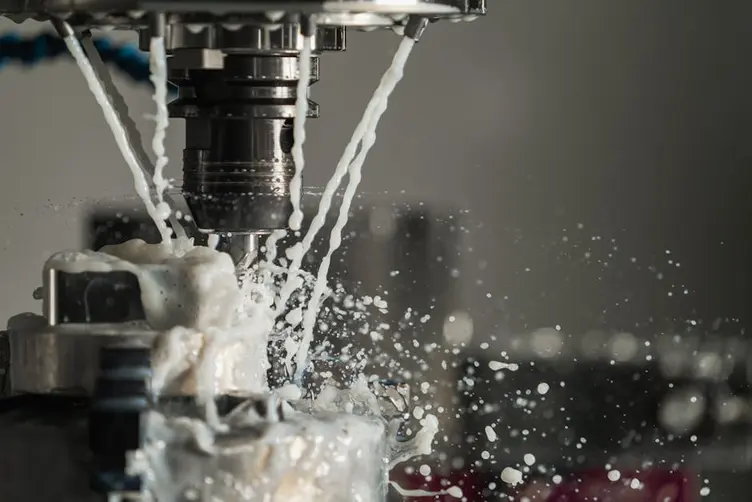
Machine shop software is the layer that tracks job-based work through a shop: quotes, orders, routings, machine queues, time, materials, and status. For a jobbing shop running one-off and small-batch parts across multiple CNCs, lathes, mills, and secondary ops, that usually means:
- seeing which jobs are queued at each machine
- tracking progress through operations without walking the building
- capturing time and materials against real work, not guesses
- giving supervisors one answer to "where is that job at"
CNC machining depends on accurate programs, setups, and sequencing. The software side is supposed to stop the admin around that work from eating the margin. Good machine shop software reduces searching and double-handling. Bad machine shop software adds fields nobody fills in and turns every status update into a desk job.
The test is the same as any workshop system. After a busy week, do machinists check it before asking around. Do supervisors trust the queue. If not, the screen is decoration.
Not the same as a mechanic garage system
A lot of products marketed as workshop software were built for automotive service. Bay booking, vehicle histories, rego lookups, service reminders. Useful if you run a mechanic garage. Not what a CNC job shop means when the supervisor says they need better systems.
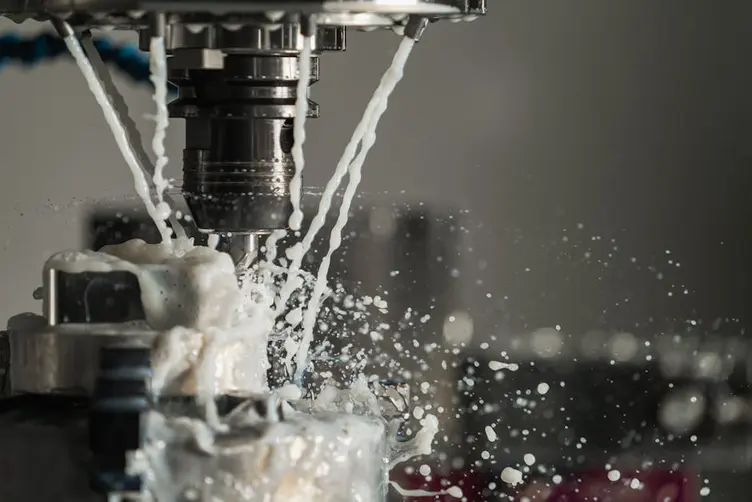
Machine shops and jobbing fabs usually care about:
- one-off and repeat jobs, not service intervals
- drawings, setups, and tool lists, not vehicle inspections
- machine queues and operation sequences, not bay allocation
- due dates tied to customer POs, not oil change reminders
If you run a machine shop cutting custom parts, the fine print matters. "Workshop software" on the brochure often means "garage." The category name is right. The workshop type inside the box is wrong.
That mismatch is why shops bounce off their first purchase. They bought software that speaks automotive while the floor speaks G-code and job cards.

Machine shop software vs full ERP
ERP systems usually fail because the people building them often do not understand how workshops actually function. Many systems are built around reporting and office workflows instead of workshop practicality, adoption, speed, and operational flow.
Full ERP for a machine shop typically promises:
- quoting and estimating with full routings
- MRP and purchasing tied to job demand
- finite capacity scheduling across work centres
- quality, traceability, and accounting in one stack
That can be valuable when the data is clean and someone maintains it. It is painful when the shop still cannot answer a customer call about job 4471 without putting someone on hold and walking the floor.
Workshops are busy environments with noise, interruptions, dirty hands, forklifts, and time pressure. Not everyone sits at a computer all day. Complex ERP modules struggle when the operator at the machine cannot update status in ten seconds.
Plenty of job shops need visibility and job tracking before they need a full manufacturing resource planning stack. The same split shows up in workshop management software articles for fab shops: floor visibility first, deep ERP logic later.
What job shops need before ERP
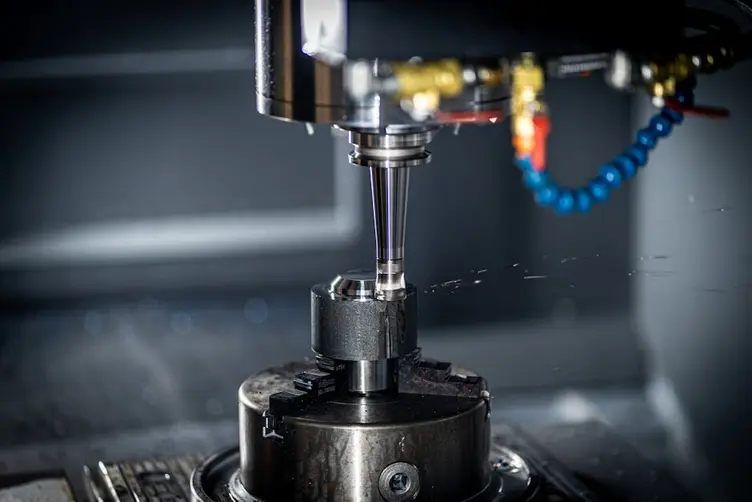
Before you evaluate a full machine shop ERP, most busy job shops need something more boring and more urgent:
| Need | Why it matters at the machine |
|---|---|
| Live job status per machine | Stops the constant "what's running on the Mazak" question |
| Clear queue order | Stops five setups fighting for the same spindle |
| Operation-level progress | Night shift knows what day shift finished |
| Fast updates | Machinists will not stop mid-setup for a form |
| Trust | Wrong data once and people go back to asking Dave |
A manufacturing execution system sits closer to the floor than ERP: real-time work-in-progress, machine status, and production data. That is the layer many shops actually need before they buy the upstairs reporting suite.
Andon thinking applies here too. One glance should tell you what is running, what is waiting, and what is stuck. If your machine shop software cannot do that, it is not helping the floor yet.
You do not need every module on day one. You need a queue the machinists trust and a supervisor who stops doing laps.

When spreadsheets stop being enough
Spreadsheets work. They are flexible. Everyone knows them. A shared Excel file can hold job list, machine assignment, due dates, and colour codes until the shop gets busy enough that one keystroke ruins someone's afternoon.
Workers took progress photos every day. Someone spent up to an hour collecting cameras, uploading files, and matching folders to job numbers. Machinists were at the machines. The job list was at the desk. That is not job tracking. That is an hour of admin nobody budgeted for.
Spreadsheets break for machine shops when:
- multiple machines and operations make the file fragile
- version control becomes "which tab did Mick save"
- the floor cannot see updates without someone printing or shouting
- maintaining the sheet takes longer than running the jobs on it
- scheduling arguments happen because the file and the floor disagree
That is usually when machine shop software starts sounding interesting. Not because Excel is stupid. Because the shop outgrew a file one person can keep honest. Same story as production scheduling software replacing a planner nobody trusts.
What to look for on the shop floor
Whether you are comparing machine shop software or tightening a whiteboard by the CNCs, test it where the chips fly.
Software is good if:
- a machinist can see the next job without a tutorial
- status updates take seconds at the machine, not at a desk later
- supervisors trust the queue enough to stop wandering
- customer status questions get answered without a floor walk
- it still matches reality on a busy Friday
Software is bad if:
- only the office understands the screen
- operators ignore it because it is wrong too often
- every update waits until end of shift
- the demo looked great but the shop floor kiosk never got used
- fixing the system takes longer than fixing the setup
Ask the machinists. If they would not glance at it during smoko, it will not survive a rough month.

You might not need ERP for this
If your shop is small, stable, and on one shift with a handful of machines, a disciplined whiteboard and a tight spreadsheet might still be enough. Do not buy machine shop software because a vendor showed you infinite-capacity scheduling in a demo room.
Software earns its place when manual tracking costs you hours every week in searching, resequencing, missed due dates, and customer callbacks you cannot answer. If that cost is real and recurring, job tracking software or a live planning board is worth a look. If not, fix the whiteboard discipline first.
Draftsmen often create drawings without machining experience. Machinists sometimes spend significant time translating drawings into workable CNC dimensions before programming even starts. Software does not fix bad drawings. It should at least stop you losing another hour on coordination the drawing already caused.
The Australian Industry Group has documented how Australian manufacturing productivity has struggled when coordination overhead quietly eats hours that never show up on a report. Machine shops feel that every time a supervisor walks the floor looking for an answer the system should already have.
Stagetrac sits in the gap between a whiteboard by the CNCs and a full ERP rollout. Automatic job tracking for production workshops: live visibility without turning machinists into data-entry clerks. If you want a rough sense of how much manual coordination is costing your shop, the free workshop audit takes a few minutes.
Practical takeaway
Machine shop software should make job status obvious, trusted, and fast to update at the machine. Not just quoted, costed, and reported upstairs.
If your queue is still accurate on Friday after a rough week, you might not need to change anything. If supervisors are resequencing jobs in their heads because the official plan is fiction, fix visibility before you buy more modules.
That is usually where the problems start.
Frequently asked questions
What is machine shop software?▼
What is the difference between machine shop software and garage software?▼
Do small machine shops need ERP?▼
What features should machine shop software have?▼
Can Excel work for machine shop job tracking?▼
How is machine shop software different from MES?▼
When should a machine shop switch from spreadsheets to software?▼

Gordon Hogan
Founder, Stagetrac
20+ years on the workshop floor. Built Stagetrac after watching too many whiteboards, spreadsheets, and planning boards fail under real production pressure.