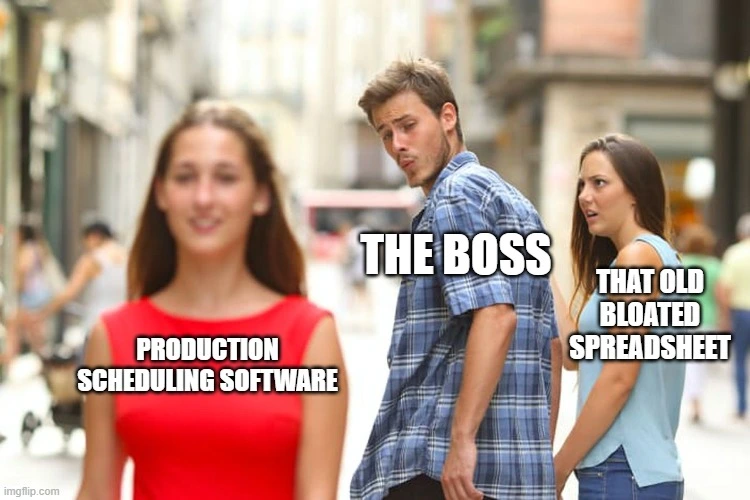
Production scheduling software when plans stop matching reality
Production scheduling software promises perfect Gantt charts. Most workshops need visibility and sequencing first. Here is what scheduling software should do on a real shop floor.
Production scheduling software is sold as the answer to late jobs, idle machines, and supervisors doing laps with a clipboard. Sometimes it is. Often the shop buys a scheduling engine upstairs while the floor still runs on a whiteboard nobody updated since Tuesday.
That gap is usually not intelligence. It is visibility, sequencing, and whether anyone on the floor trusts what the screen says.

What production scheduling software actually does
Production scheduling software takes what you need to make, when it is due, and what resources you have, then turns that into a sequence of work. Machines, people, materials, due dates, priorities. The output might be a Gantt chart, a dispatch list, or a live board the floor can read.
At a high level it should help with:
- sequencing jobs so bottlenecks show up before Friday afternoon panic
- matching capacity to demand without pretending every machine runs at 100% forever
- updating the plan when a job slips, a machine breaks, or material arrives late
- giving supervisors one place to see what is running, waiting, and stuck
Good production scheduling software reduces searching and arguing. Bad scheduling software adds data entry, produces a perfect plan that nobody follows, and turns the planner into a full-time spreadsheet repair technician.
A planning board should be easy to understand, update quickly, and help workers check status before asking Dave. When scheduling software fails those tests, the floor ignores it and goes back to the whiteboard.
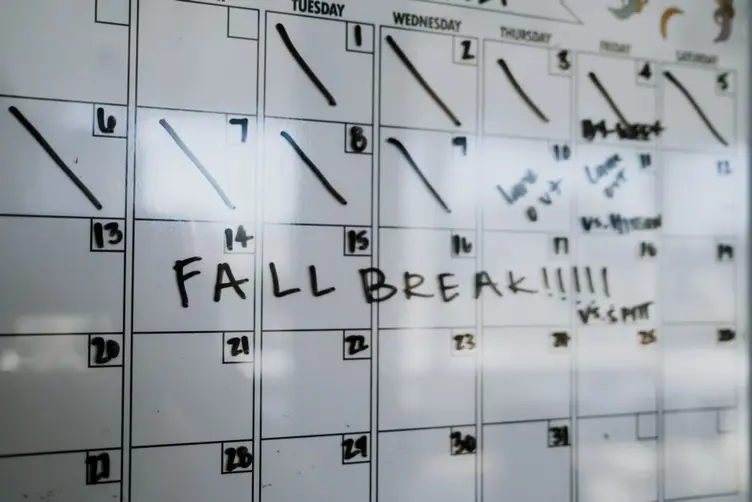
Production scheduling vs production planning
People mix these up because vendors love putting both words on the same brochure.
Production planning is the broader picture: what to make, rough volumes, capacity, materials, timelines across weeks or months. Production scheduling is the tighter view: which job runs on which machine today, in what order, with which operator.
Production planning sets the framework. Scheduling turns that framework into something the shop floor can execute. Plenty of workshops have a plan in someone's head and a schedule on a whiteboard that stopped matching reality two shifts ago.
You do not need a full planning suite on day one. Plenty of busy fab shops need a reliable sequence for this week before they need finite-capacity optimisation across twelve departments. Visibility and trust come first. Fancy algorithms second.
If your current problem is "nobody knows what is urgent," that is not a missing Gantt chart. That is a missing planning board the floor actually reads.

When spreadsheet scheduling stops working
Spreadsheets work. I have said that before and I mean it. A shared Excel file can hold job list, due dates, machine assignments, and colour codes until the shop gets busy enough that one wrong keystroke ruins someone's afternoon.
Day shift blamed night shift whenever the schedule slipped. Night shift blamed day shift for vague priorities and half-finished handovers. The spreadsheet stayed tidy. The queue did not. That is not scheduling. That is two shifts and one fiction.
Spreadsheet scheduling breaks when:
| Problem | What it looks like |
|---|---|
| Accidental edits | One wrong keystroke corrupts a row nobody catches until dispatch |
| Version confusion | "Which file did Dave save" becomes a daily argument |
| No floor visibility | Workers cannot see updates unless someone prints or shouts |
| Stale data | The sheet says green while the floor knows the job is stuck |
| Planner bottleneck | One person babysits the file all day instead of fixing delays |
Spreadsheets stop making sense when maintaining the schedule takes longer than fixing the jobs on it. That is usually when production scheduling software starts sounding interesting. Not because Excel is stupid. Because the operation outgrew a file one person can keep honest.
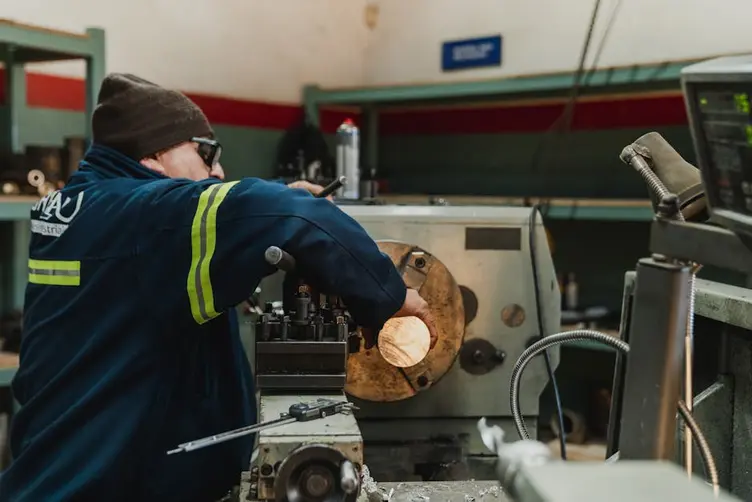
What small workshops need from scheduling
ERP systems usually fail because the people building them often do not understand how workshops actually function. Many systems are built around reporting and office workflows instead of workshop practicality, adoption, speed, and operational flow.
A ten-person fab shop does not need the same scheduling depth as a plant running twenty lines and a full MRP stack. Small workshops usually need:
- a clear job queue per machine or department
- due dates and priorities everyone can see without a meeting
- fast updates when status changes (started, waiting on material, on hold)
- shift handover that does not rely on memory and radio arguments
- enough structure to stop five jobs piling up at the same welder
Finite capacity scheduling, alternate routings, and what-if scenarios matter eventually. They do not matter on day one if nobody trusts the basic board. Workshop people are practical. They will use what saves time. They will ignore what creates more paperwork.
Heijunka, or production leveling, is a useful idea here. Batch everything into one long run and you hide bottlenecks until they blow up. Level the work so the floor can see pressure building before the due date becomes a crisis.

Full scheduling software vs visibility first
Demo rooms love infinite-capacity schedules. The floor lives in finite capacity, missing material, broken tools, and jobs that were urgent until a bigger job became more urgent.
Full production scheduling software with every module turned on can:
- model routings, setups, and changeovers in detail
- rebalance loads across machines automatically
- tie scheduling to inventory, purchasing, and costing
- generate reports upstairs that look very impressive
That is valuable when the data feeding it is accurate and someone maintains it. It is painful when the shop still cannot answer "where is job 4471" without walking the building.
Visibility first means:
- live job status workers and supervisors trust
- sequencing that reflects what is actually queued at each machine
- updates that take seconds, not a planning meeting
- a board or screen people check before asking around
That overlaps with what a good workshop planning board does. Scheduling software should not skip that layer to jump straight to optimisation. If adoption is poor, the problem is usually friction, not missing algorithms.

What to look for on the floor
Whether you are comparing production scheduling software or tightening a whiteboard, test it on the shop floor, not in a conference room.
Scheduling is good if:
- a new operator can read the queue in under a minute
- supervisors stop doing status laps because they trust the view
- updates happen when work moves, not at the end of the shift
- night shift sees what day shift meant without a verbal handover
- the schedule still matches reality on a busy Friday
Scheduling is bad if:
- only the planner understands the screen
- workers ignore it because it is wrong too often
- changing one job means rebuilding half the plan
- the system needs a training course to interpret a due date
- fixing the schedule takes longer than fixing the bottleneck
Ask the people running the machines. If they would not check it during smoko, it will not survive a rough month.

You might not need full scheduling software for this
If your shop is small, stable, and on one shift, a disciplined whiteboard or a tight spreadsheet might still be enough. Do not buy production scheduling software because a vendor showed you a Gantt chart that updates itself while you watched. Impressive in the demo. Less impressive when the integration project eats six months.
Software earns its place when manual scheduling costs you hours every week in searching, resequencing, shift arguments, and missed due dates. If that cost is real and recurring, scheduling software or a live planning board is worth a look. If not, fix the whiteboard discipline first.
The Australian Industry Group has documented how Australian manufacturing productivity has struggled when coordination overhead quietly eats hours that never show up on a report. Scheduling chaos is often part of that. Not dramatic. Just expensive.
Stagetrac sits in the gap between a whiteboard and a full scheduling rollout. Automatic job tracking for production workshops: live visibility and sequencing without turning the floor into a data-entry department. If you want a rough sense of how much manual coordination is costing your shop, the free workshop audit takes a few minutes.
Practical takeaway
Production scheduling software should make the sequence of work obvious, trusted, and fast to update. Not just optimised on paper.
If your schedule is accurate on Friday after a rough week, you might not need to change anything. If supervisors are resequencing jobs in their heads because the official plan is fiction, it is time to fix visibility before you buy more complexity.
That is usually where the problems start.
Frequently asked questions
What is production scheduling software?▼
What is the difference between production planning and scheduling?▼
Do small workshops need production scheduling software?▼
Can Excel be used for production scheduling?▼
What features should production scheduling software have?▼
How does production scheduling improve efficiency?▼
When should a workshop switch to scheduling software?▼

Gordon Hogan
Founder, Stagetrac
20+ years on the workshop floor. Built Stagetrac after watching too many whiteboards, spreadsheets, and planning boards fail under real production pressure.