
Workshop planning board: what shops need before going digital
A workshop planning board is shared visibility for jobs, machines, and bottlenecks. Here is what to put on it, when to go digital, and when to leave the whiteboard alone.
A workshop planning board is the one place everyone looks to see what is running, what is waiting, and what is stuck. It might be a whiteboard with magnets, a spreadsheet on a TV, or a screen that updates when work moves. The format changes. The job does not.
If the board is wrong by smoko, the shop spends the rest of the day arguing about reality instead of fixing delays.
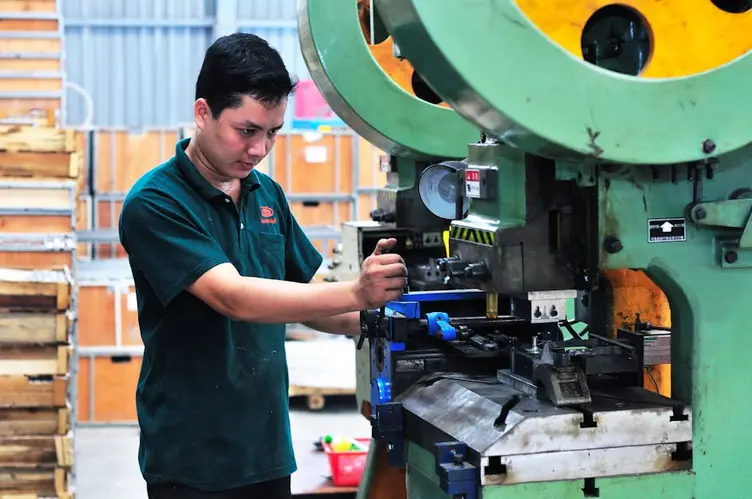
What is a workshop planning board
A workshop planning board is shared visibility for production flow. Not a quote system. Not a full ERP. A board.
It should answer, without a meeting:
- what is on each machine or work centre now
- what is queued next
- what is blocked and why
- what is due soon enough that someone should worry
That is production planning at its most practical. Schedulers upstairs might run deeper logic in dedicated scheduling tools, but the floor still needs a board people trust at a glance.
A planning board should be easy to understand, update quickly, reduce confusion, and help supervisors and workers stop searching. It should not require constant fixing, complicated training, endless meetings, or heavy admin.
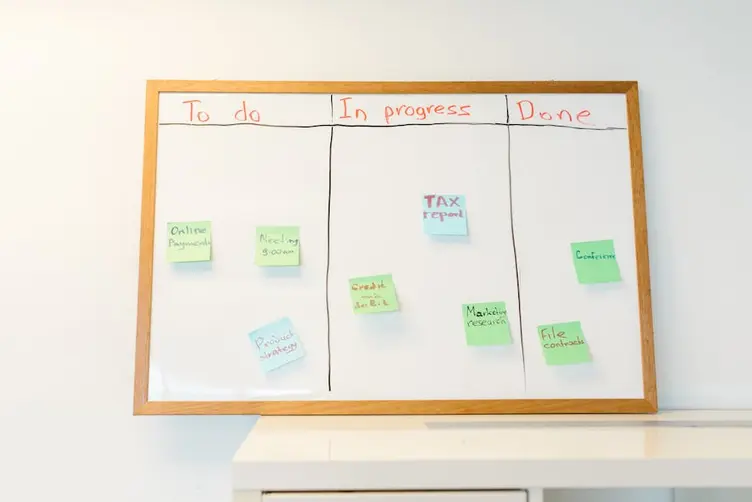
Physical board vs digital board
Physical boards are hard to beat when the shop is small and honest. Magnets, marker, job cards. Walk past it and you know the story. No login. No version named "FINAL_v7_REAL.xlsx."
Digital boards earn their place when the shop outgrows what one person can rewrite by hand. Some tools market themselves as whiteboard replacements with real-time sync. Others target PPS-style planning with machine feedback. Different weight classes, same idea: one live view instead of three conflicting ones.
| Board type | Best when | Weak when |
|---|---|---|
| Whiteboard / T-cards | One shift, low volume, high trust | Multiple shifts, fast job churn |
| Spreadsheet on a screen | Office-driven planning, familiar tools | Accidental edits, floor cannot update |
| Digital workshop planning board | Live status, handovers, departments | Rollout is rushed and nobody owns updates |
The planning board does not fail because workers are lazy. It fails when keeping it true becomes a second job. That is the line between physical and digital.
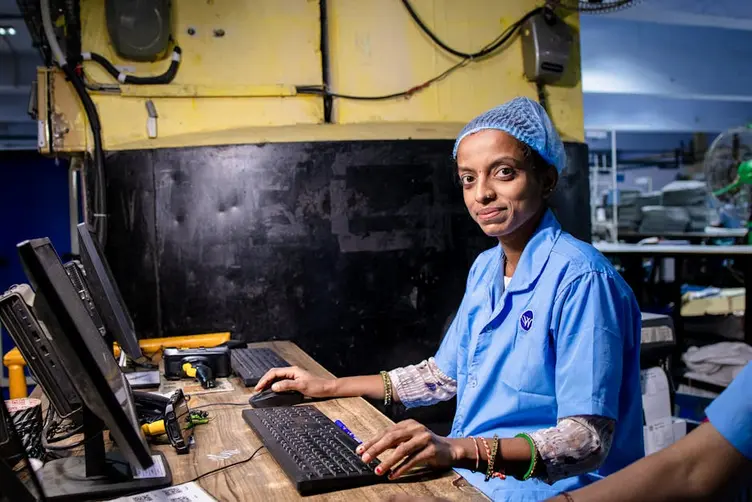
When a digital workshop planning board makes sense
Consider a digital workshop planning board when:
- two or more shifts need the same truth overnight
- jobs move faster than someone can rewrite the board
- bottlenecks hide until a machine is already overloaded
- supervisors spend more time walking for status than fixing problems
- departments argue because each has its own version of the plan
Night shift often discovers around 1AM that required parts were never brought into the workshop. Day shift assumed someone else handled it. Nobody followed up. The board still showed the job as green. A live board does not fix stores discipline by itself, but it makes "we thought someone else did it" harder to hide.
The Lean Enterprise Institute describes visual management as making abnormal conditions obvious. A workshop planning board is visual management for job flow. When the environment moves faster than a human can maintain the chart, digital starts to make sense.
Automatic planning board vs manual updates
An automatic planning board updates when work happens: job started, job held, job finished, moved to the next operation. Manual boards depend on someone remembering to rub out a magnet or fix a cell.
Manual works when:
- one planner owns the board and walks the floor often
- job count is low enough to update in minutes
- everyone works the same hours
Automatic works when:
- updates would otherwise happen after the fact
- multiple people need to change status from the floor
- the cost of a wrong board is measured in hours, not minutes
Stagetrac is automatic job tracking for production workshops: visibility that follows the job, not a planner retyping status at the end of the shift. If you want a rough sense of how much manual coordination is costing before you change the board, the free workshop audit takes a few minutes.
You do not need robots or a full MES to get automatic behaviour. You need status to change where the work happens, not only in the office at 4PM.
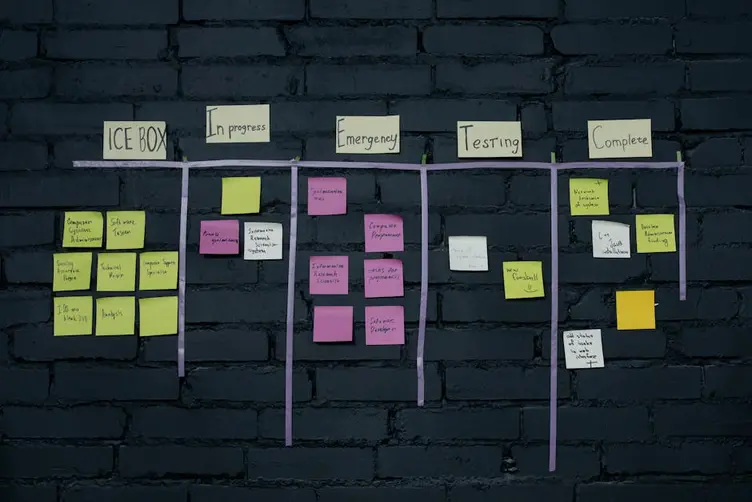
What to put on a workshop planning board
Keep it readable from three metres away. If it needs a legend, it is already too clever.
Useful fields:
- job or order number people actually reference on the floor
- customer or job name supervisors recognise
- machine or work centre
- status: running, waiting, blocked, complete
- due date or "ship by" when it changes behaviour
- blocker note when something is stuck (material, QA, drawing)
Skip the wallpaper. No one needs eighteen colour codes explaining themselves. If night shift cannot update it in thirty seconds, they will not update it.
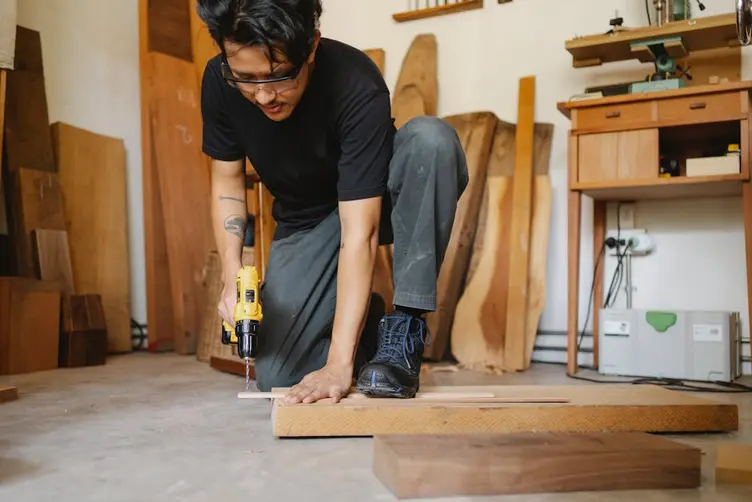
Common mistakes shops make
The board is for the office, not the floor. Pretty Gantt upstairs, whiteboard downstairs that nobody trusts.
Too many jobs on the board. Everything marked urgent until urgent means nothing.
No owner. The board drifts until Friday when someone rubs it clean and pretends the week did not happen.
Buying software before fixing what the board is for. A digital workshop planning board with the same bad habits is just a faster wrong answer.
Ignoring handovers. Day shift writes in shorthand night shift cannot read. Same board, different languages.
Treating the board as reporting. If updating it only happens because management asked, it is already dead.

You might not need a digital board yet
If one shift, low volume, and the whiteboard still matches the floor on a busy Friday, do not rip it out because a vendor sent a demo link. Fix discipline first: who updates, when, and what happens when a job blocks.
Digital earns its place when manual maintenance fails repeatedly. Not when someone upstairs gets excited about dashboards.
Plenty of shops need a better workshop planning board, not more software categories. Start with what the floor already asks ten times a day. Build the board around those questions. Technology comes after the questions are clear.
Practical takeaway
A workshop planning board is only as good as the trust it earns on the floor. Physical or digital does not matter if updates lag behind reality.
Get the content right, get ownership right, then decide whether the whiteboard is still enough. Simple systems tend to survive longer on the workshop floor. A board that updates itself beats a board that needs a hero every shift.
Frequently asked questions
What is a workshop planning board?▼
What is the difference between a planning board and a scheduling system?▼
When should a workshop switch from a whiteboard to a digital planning board?▼
What is an automatic planning board?▼
What should be displayed on a workshop planning board?▼
Can small fabrication shops use only a physical planning board?▼
How is a workshop planning board different from production scheduling software?▼
Why do workshop planning boards stop working?▼

Gordon Hogan
Founder, Stagetrac
20+ years on the workshop floor. Built Stagetrac after watching too many whiteboards, spreadsheets, and planning boards fail under real production pressure.